Ever wish you could find the right church event at the right time without digging through five different places? This guide will help you read the church calendar clearly, plan ahead for key annual moments, and know exactly what to do when an event asks you to RSVP.
When someone searches for how to navigate the church calendar, they usually want answers to a few practical questions: Where do I find upcoming events? What details should I look for? How do I RSVP or sign up? And what if I’m not sure where I fit?
According to best-practice guidance on community communication, clear schedules and predictable updates help people participate more confidently—especially families and first-time guests. You can also see the accessibility principle behind this idea in the work of the W3C Web Accessibility Initiative (important information should be easy to access). For helpful planning guidance in general, see USA.gov on planning and getting updates.
By the end of this post, you’ll know how to scan the calendar fast, spot the details that matter, stay updated without stress, and participate in events in a way that’s simple and respectful of everyone’s time.
Overview of the Church Calendar
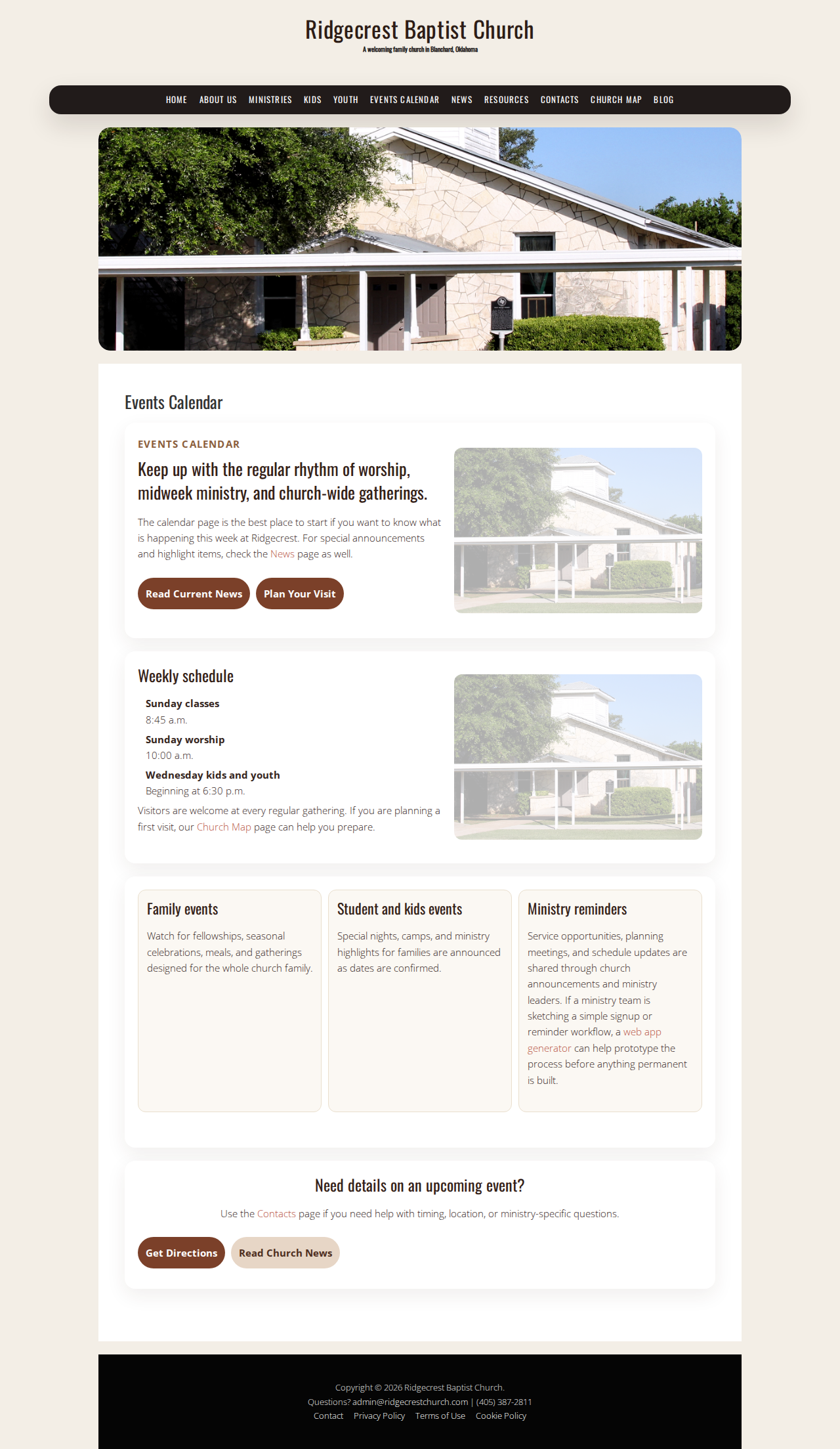
The church calendar is where you’ll find the “what, when, and where” for upcoming events and activities. Think of it as your shared roadmap for the weeks ahead—especially for events that fall outside a normal Sunday rhythm.
Most events will include details like:
- Date and time (including start time and any important cutoff)
- Event type (worship service, kids/youth activity, community event, etc.)
- Location or meeting area
- Age group or ministry involvement
- RSVP or sign-up requirements (when applicable)
If you’re new to using it, start with the closest upcoming items first. Then, once you know how the page lays out information, you can scan future dates more quickly.
Highlight Key Annual Events
Some events return every year, and knowing they’re on the horizon helps families and volunteers plan ahead. While every season looks a little different, most churches typically repeat key moments such as:
- Thanksgiving and seasonal dinners (often right after church services)
- Special holiday programs (kids and youth participation opportunities)
- Community outreach events (times to invite neighbors)
- Family-focused gatherings (events that make it easy to bring people together)
Quick tip: when you see an annual event listed, check whether it includes a sign-up or “what to bring” note. Those items are often the difference between “I meant to come” and “I was ready to participate.”
For updates beyond your calendar dates, check the News section.
Tips for Staying Updated
Staying informed doesn’t have to be complicated. Choose the method that best fits how your week normally runs.
1) Make the calendar part of your weekly rhythm
Set a time once a week (for example, after a Sunday service or during weekday evening downtime) to quickly scan upcoming dates. Look ahead for:
- Events that affect school nights, work schedules, or family routines
- Activities involving kids or youth ministries
- Any date-based deadlines (RSVP cutoffs, sign-up windows)
2) Treat event details like a checklist
When you open an event, read for only a few “must-know” facts first:
- When does it start?
- Where will it be?
- Is there anything you need to RSVP?
- Is it for your age group?
3) If something feels unclear, ask early
If you’re trying to decide whether you should attend—or you’re wondering what the event expects—reach out with the specific event name and date. The Contacts page is the fastest place to get guidance so you don’t have to guess.
How to RSVP and Participate
Some events need RSVPs or sign-ups so ministries can plan for space, supplies, or schedules. If an event requests an RSVP, here’s what to expect.
1) Find the RSVP method (and follow it exactly)
RSVP details are usually included right in the event listing. Follow the instructions exactly—whether it’s replying by a specific contact method or signing up through the provided process.
2) If you can’t RSVP, contact the church
Not everyone can complete sign-up steps right away. If that’s your situation, it’s okay to message the church staff or ministry contact with what you know. Include:
- Event name
- Event date/time
- Who you’re attending with (adults, kids, youth—only what’s helpful)
- What you need clarified
3) Plan what “participation” looks like
Participation can mean attending, bringing something specific, or serving in a volunteer role. If the event includes a “what to bring” note, make it part of your prep list. If it includes volunteer opportunities, you can ask how to plug in and what the timing looks like.
Helpful Next Steps
- Start with the Events page to find what’s coming up next.
- Use News for updates and announcements that aren’t tied to one specific event date.
- If you have questions, go to Contacts and include the event name and date in your message.
Conclusion
The church calendar is meant to reduce stress, not add more steps. When you scan it with purpose—checking dates, details, and RSVP instructions—you’ll be able to join key events and stay connected as a family. Keep it simple: look ahead weekly, read the essentials, and ask early when you need clarity.
Next step: open the Events page, pick one upcoming event to plan around, and use the Contacts page if you’d like help figuring out what to do.